Your feedback ops.
In your pocket.
Boards, roadmaps, and user signals. The full power of FeatureOS, native on iPhone.
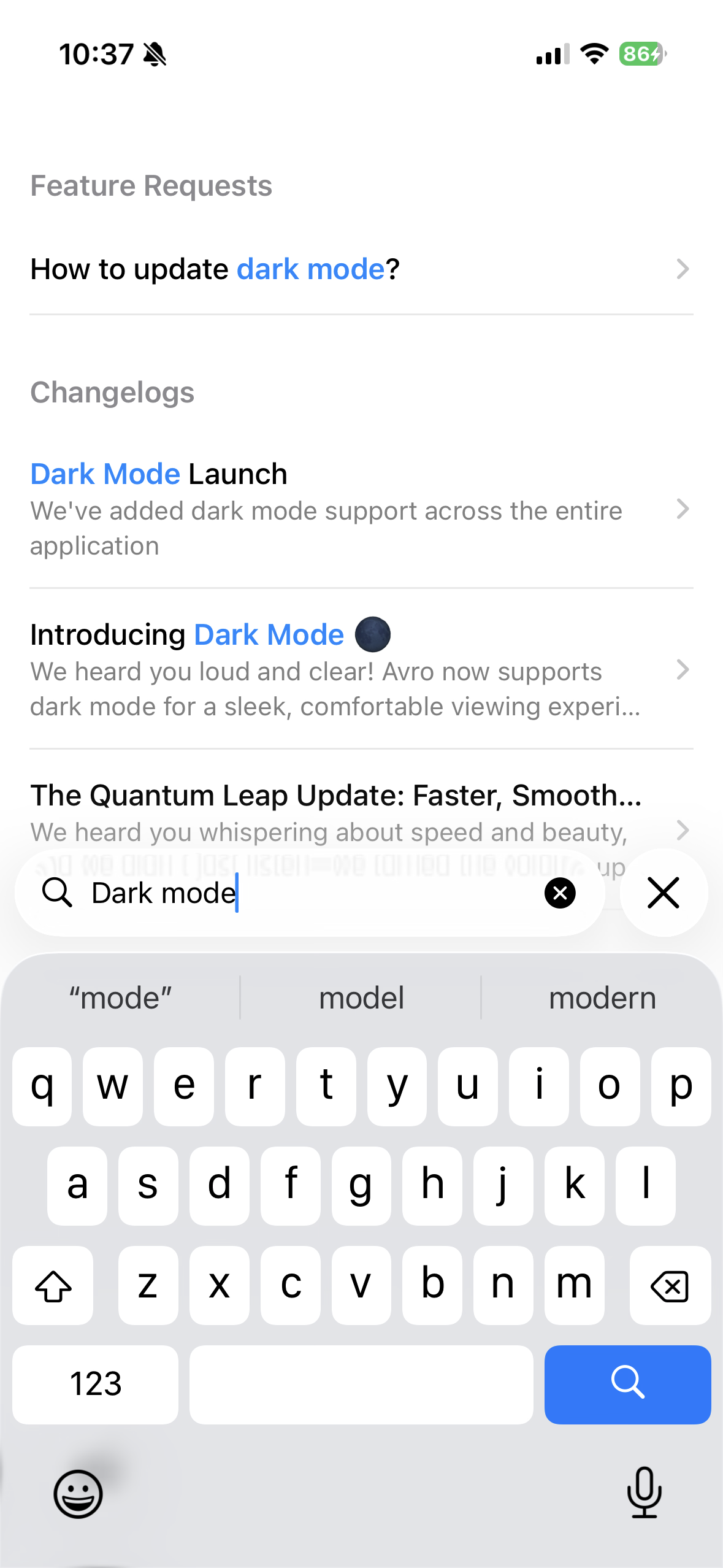
Find anything
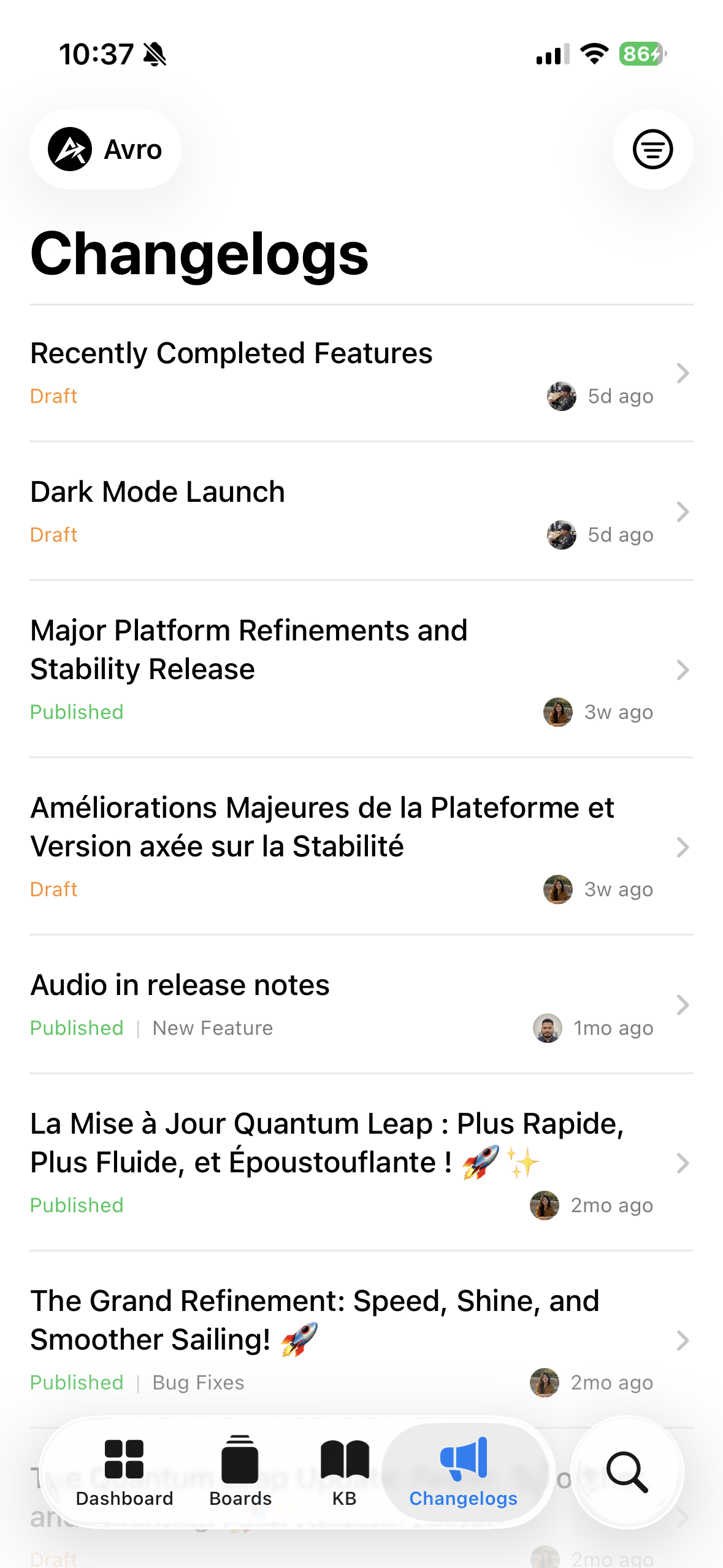
Ship updates
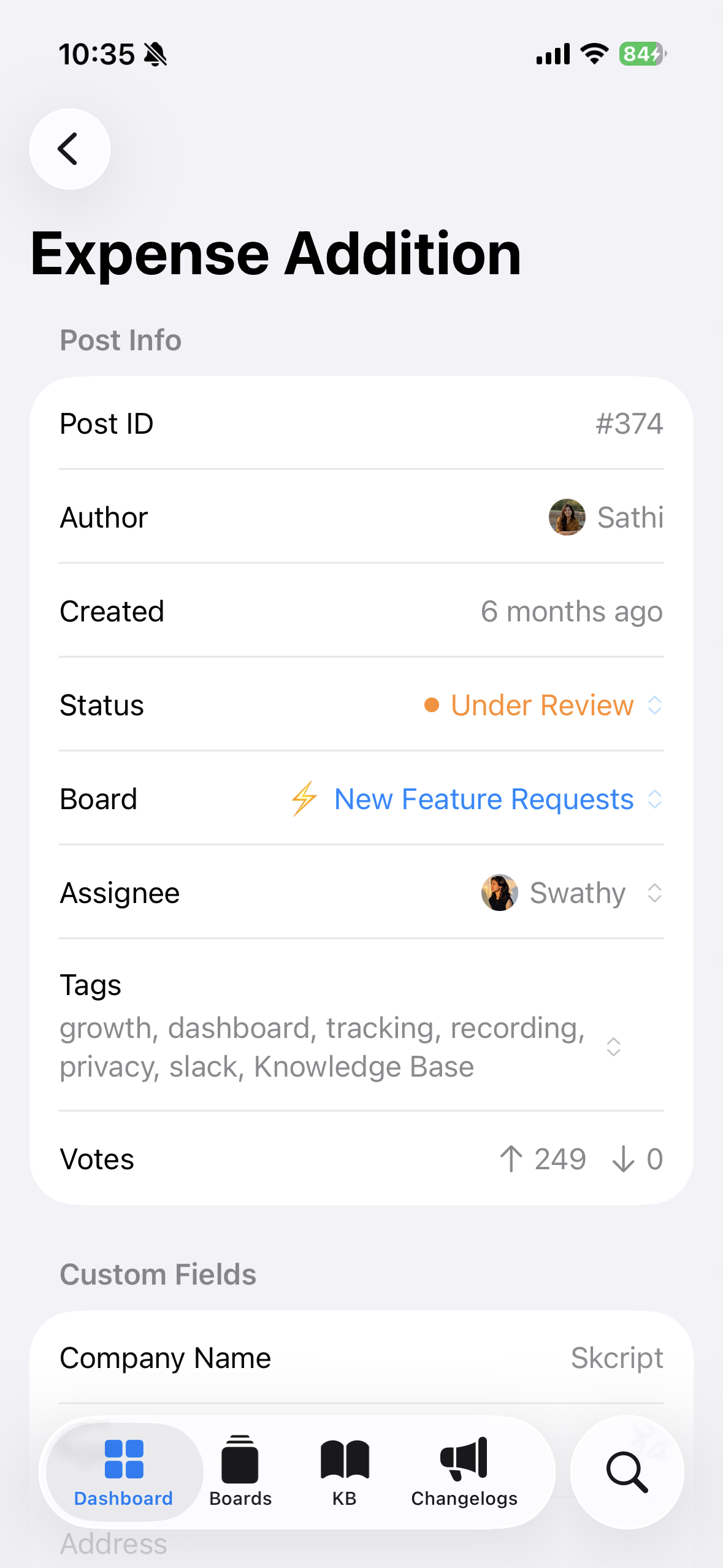
Every detail
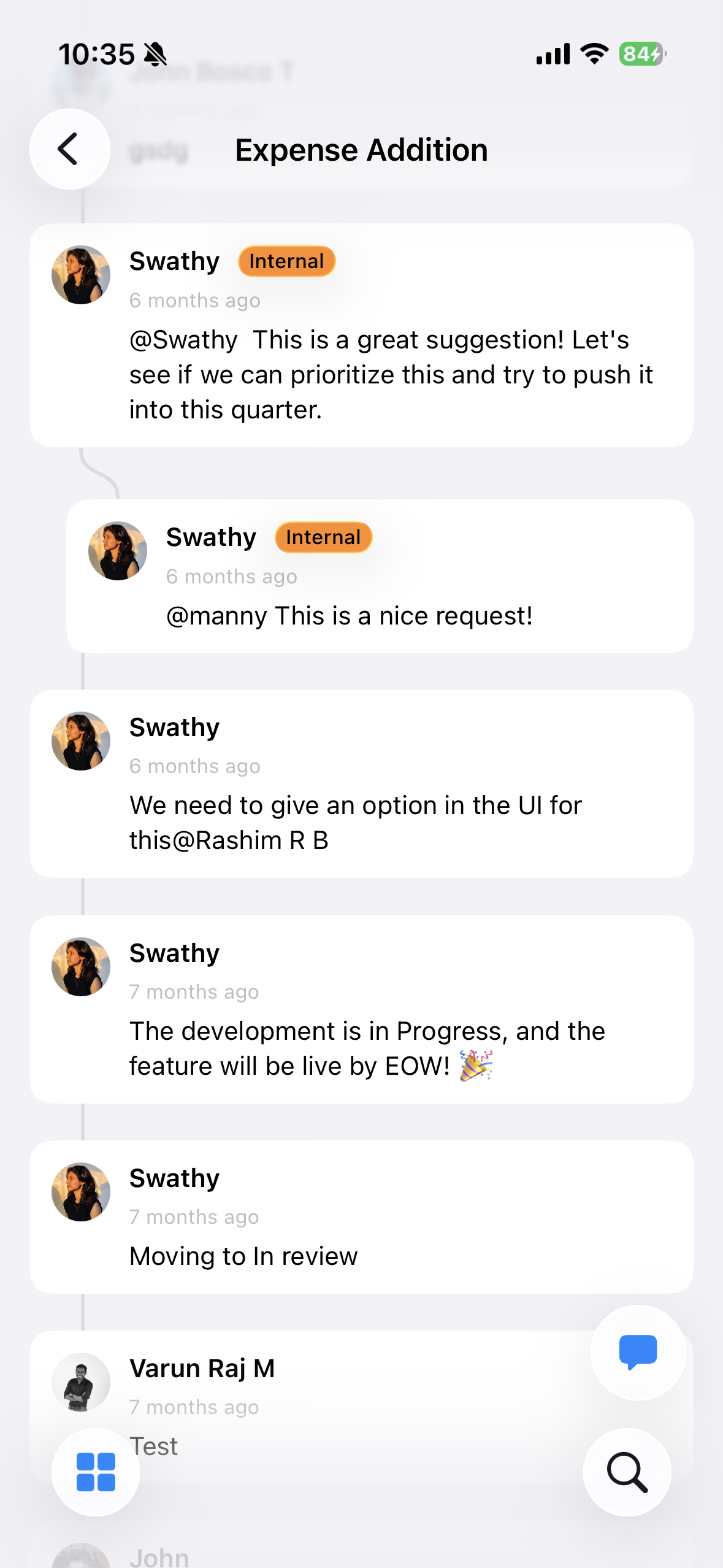
Stay in the loop
Every feature you use on the web. Now on your phone.
Feedback boards
Filter, upvote, assign, triage, reply. Threaded comments and internal notes. Your entire board, one swipe away.
Dashboard analytics
Trends, stale alerts, top voted requests. 7, 30, or 90-day window. Spot what matters before standup.
Knowledge base
Browse, publish, review drafts. Filter by status, privacy, and tags. Your help center, managed from your pocket.
Changelogs
Published, scheduled, and draft entries with rich content, labels, and credits. Every changelog links back to the feature requests that inspired it.
Search everything
Requests, changelogs, articles, customers. One search bar. Instant results.
Widgets and Control Center
Feedback Pulse on your home screen. Request counts on your lock screen. Quick actions in Control Center.
Native SwiftUI. Keyboard shortcuts. Dark mode. No compromises.
Native iOS experience
SwiftUI. Native gestures. Smooth transitions. Feels like an Apple app because it is one.
Dark mode
Light, dark, or match your system. Every screen looks great in both.
Multi-org support
Switch organizations instantly. Everything scoped per workspace.
Push notifications
New feedback, votes, comments. Know the moment it happens.
Keyboard shortcuts for iPad
Full keyboard shortcut support on iPad and Mac Catalyst. Navigate, triage, and reply without touching the screen.
50+ integrations
Slack, Jira, Linear, Intercom, and 50 more. Every integration, right from your phone.
Triaging at your desk. Scanning votes on your commute. The app goes where you go.
PMs on the move
Prioritize your backlog from anywhere. Leave the laptop closed.
Support in real time
Check if an issue is tracked, add context from conversations, link feedback to your roadmap. All from the queue.
Founders staying close
Read feedback. Reply to users. Show them you're listening.
Morning triage
Scan new feedback over coffee. Categorize, tag, assign. Your team hits the ground running.
Quick prioritization
Sort by votes. Filter by status. Update priorities on the fly. Same power. Smaller screen.
Sprint planning prep
Top voted requests. Trending feedback. Walk into planning knowing exactly what customers want.
Questions? Answered.
Everything you need to know about the FeatureOS iOS app.
Last updated February 25, 2026
Yes, the FeatureOS iOS app is completely free to download from the App Store. You just need an active FeatureOS account to sign in. All features available on your current plan are accessible from the app.
The FeatureOS iOS app requires iOS 17.0 or later. It is built natively in SwiftUI and runs on iPhone and iPad.
Yes, the app is fully optimized for iPad with full keyboard shortcut support, larger layouts, and Mac Catalyst compatibility. You can navigate, triage, and manage feedback entirely from the keyboard.
Yes, the app supports multi-organization switching. You can switch between workspaces instantly, view team members, check plans and billing, and manage settings for each organization.
The app is designed to load and cache content for a smooth experience. You can browse previously loaded feedback, knowledge base articles, and changelogs even when your connection is spotty.
The app includes Home Screen widgets (Feedback Pulse, New Request, Quick Search), Lock Screen widgets (open request count, feedback summary, notification badges), and Control Center buttons to open boards, search, or create a request without opening the app.
Yes, you can create new feedback posts directly from the app, or even from a Home Screen widget with a single tap. You can also add comments, change statuses, assign team members, and manage tags.
Yes. The app uses Apple Keychain for secure authentication and supports Sign in with Apple. There is no tracking and no ads. Your product data stays yours.
All 50+ integrations that work with FeatureOS on the web also work with the iOS app. You can see linked issues from Jira, Linear, GitHub, GitLab, Asana, and ClickUp directly within feedback posts.
Push notifications are enabled by default when you sign in. You will receive notifications when customers submit new feedback, vote on features, or leave comments. You can customize notification preferences from the app settings.
Can't find what you're looking for? Contact us at support@featureos.app
Explore other modules